
Runs locally
Chat runs on the supported Windows PC after launch without sending prompts to a cloud chat service.
A ready-to-launch local AI experience on a portable USB drive for supported Windows PCs—with an honest choice between a session that saves nothing and USB-only memory you control.
Amazon offer availability, delivery, and final price are shown on Amazon and can vary by location.
Chat runs on the supported Windows PC after launch without sending prompts to a cloud chat service.
The default mode does not write chat history or memories to the USB.
An optional operator-controlled mode saves selected chats and pinned memories on the USB for reuse.
Launch from the drive, use the browser interface, then exit AI Brain before safely removing the USB.
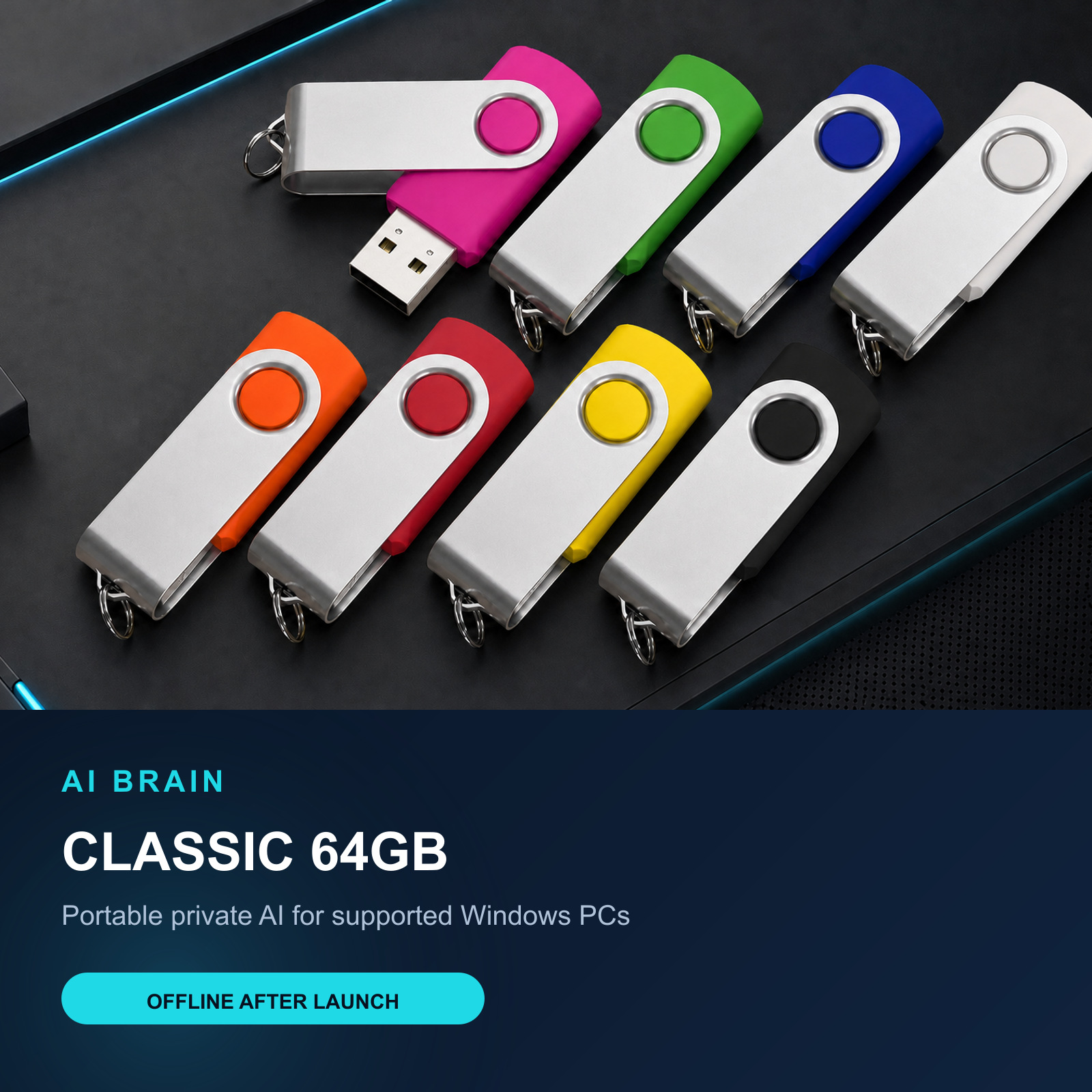
One drive, two privacy choices
AI Brain does not write chat history or memories to its USB data store. This is the default and fail-closed mode.
Save conversations and user-approved pinned memories on the USB. Switch back to Private Session to erase the app-owned saved data.
Always use Exit AI Brain and wait for the launcher to close before unplugging. Sudden removal can interrupt normal cleanup.
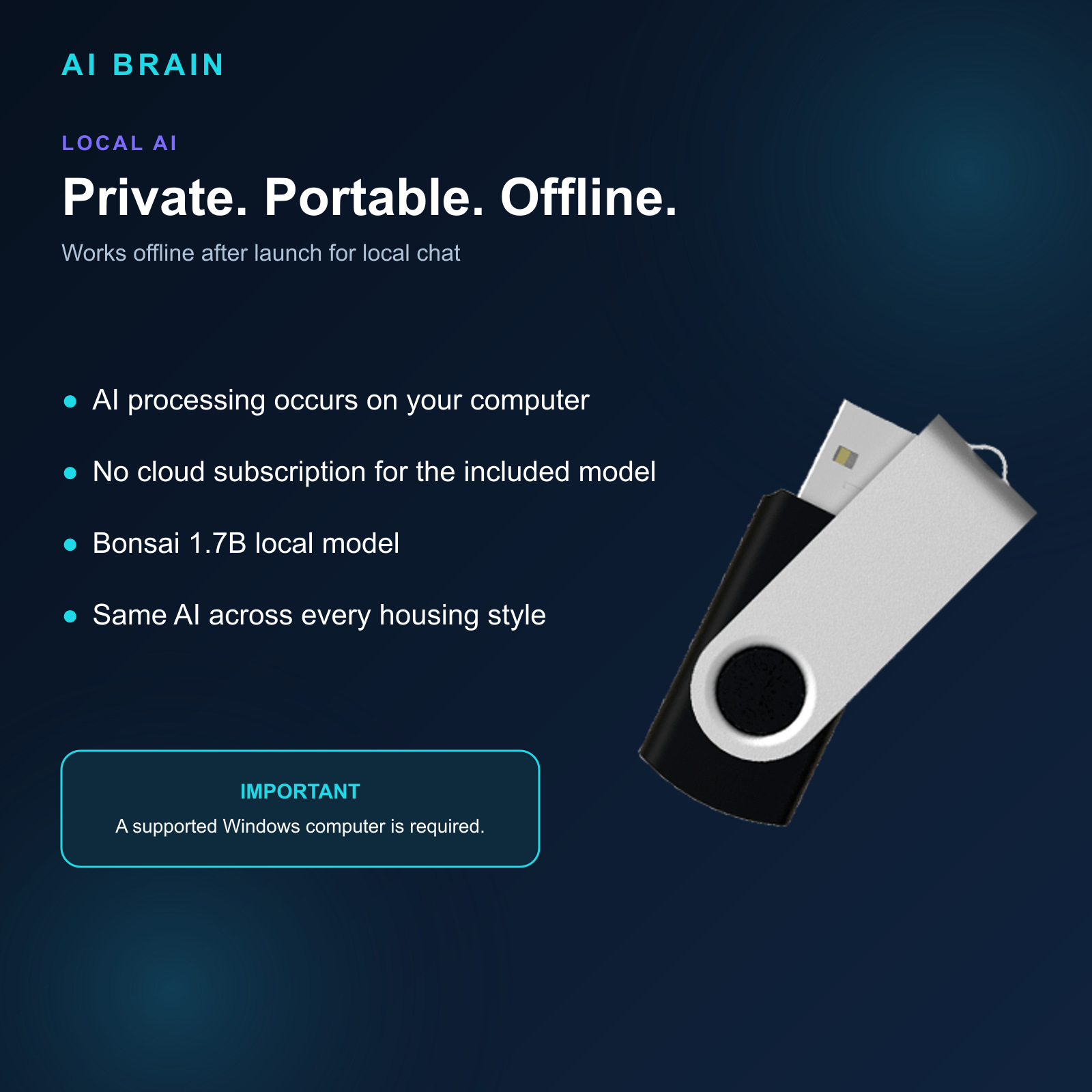
Offline after launch
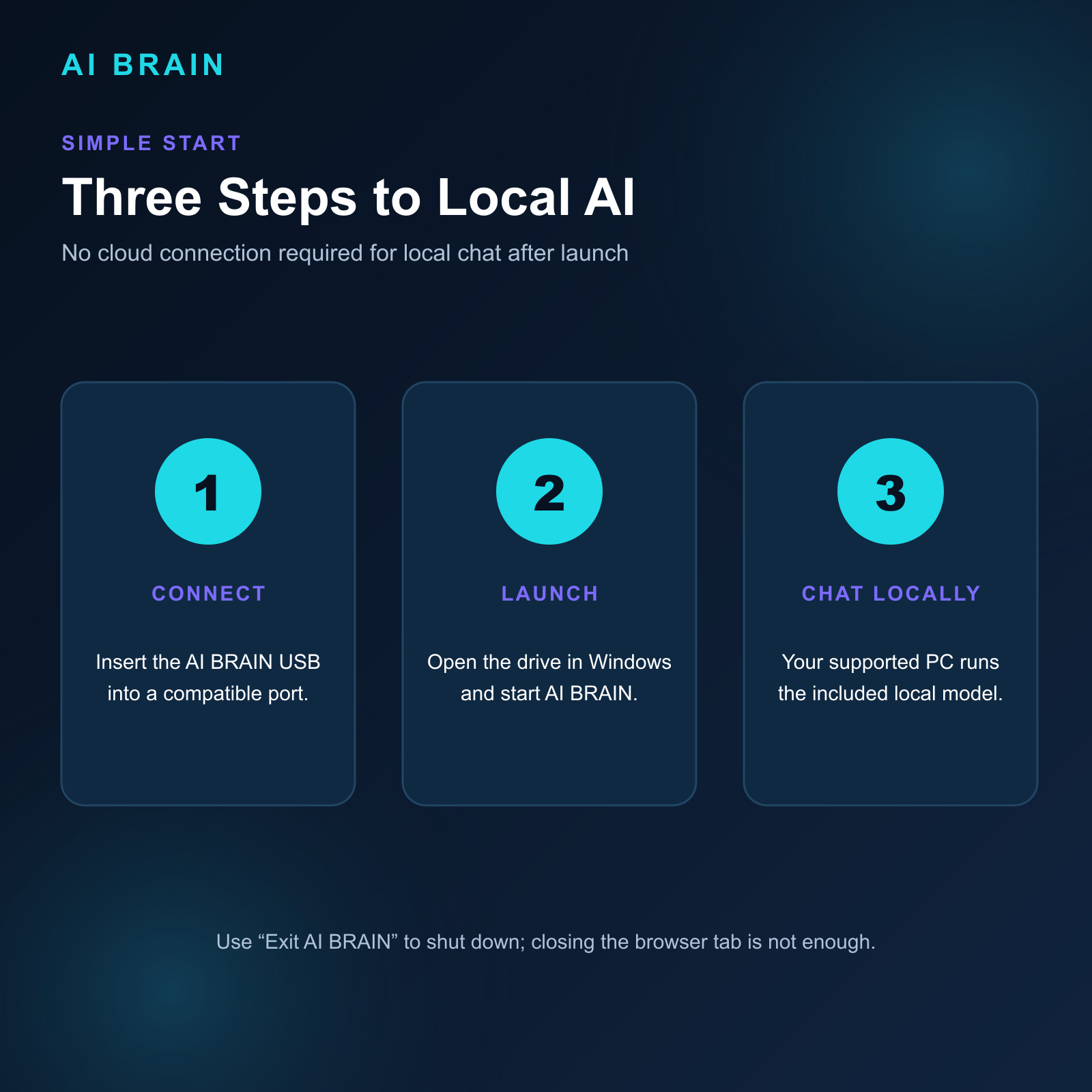
Simple launch flow
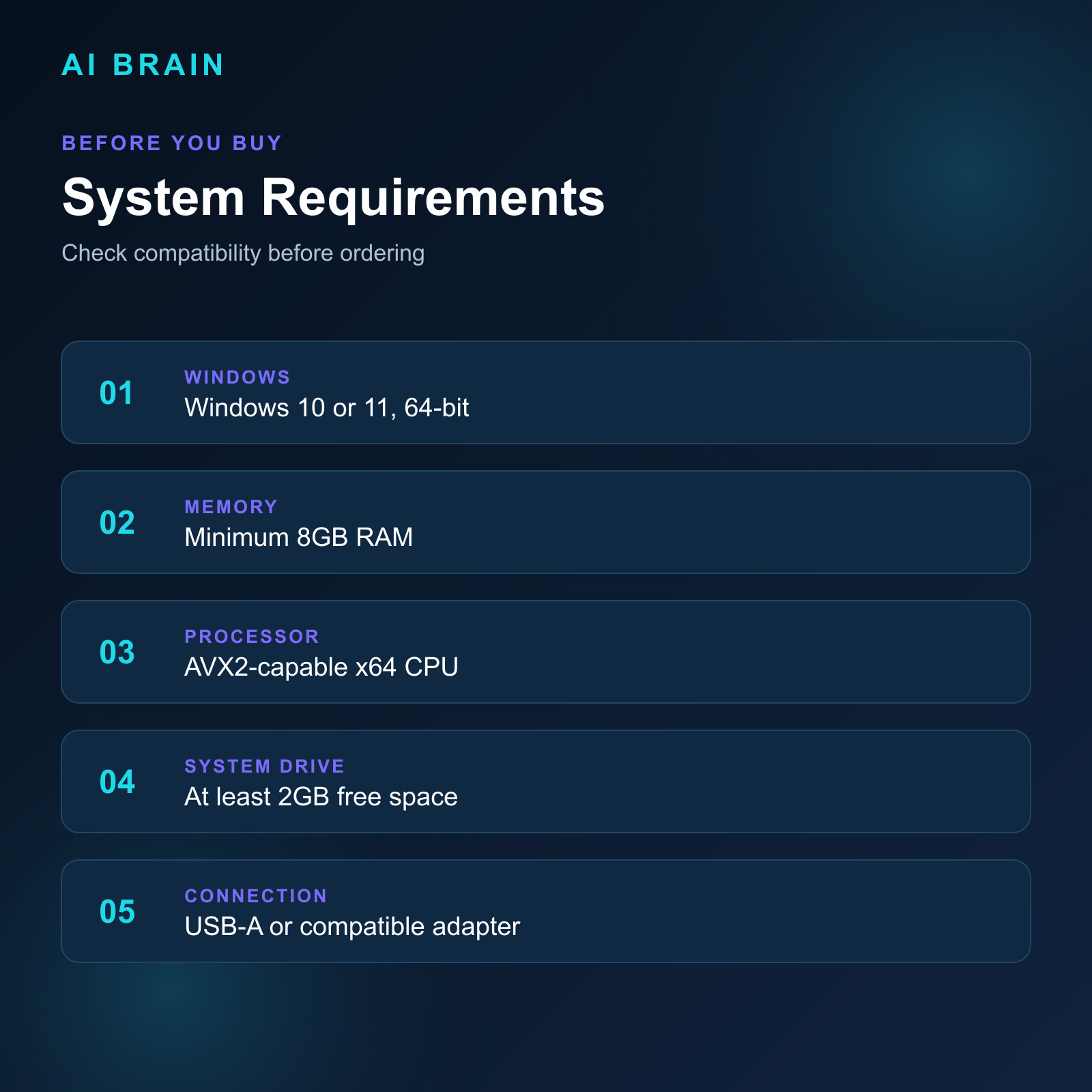
Check your Windows PC
AI Brain by 1MatrixTech
Explore the Classic 64GB model on Amazon. Drive shell color may vary slightly by regional stock while capacity and configured product remain as ordered.